The Meta Tag Myth: What most people think Webflow SEO is
When Webflow developers or website owners talk about search engine optimization, they almost always say the same thing: "I've filled out the meta titles and meta descriptions – my SEO is done." This mindset comes from the WordPress world, where the Yoast plugin reduced SEO to a green traffic light system. Enter the title, enter the description, check the keyword density – and you're done.
But it's not that simple. Meta titles and meta descriptions are important, no question. But they are only two small puzzle pieces in a much larger picture. Those who focus exclusively on these two fields ignore the levers that truly determine rankings: site architecture, internal linking, semantic structure, load times, and much more.
In this article, I'll show you what Webflow SEO optimization really means – and why the invisible factors often make the biggest difference.
What 95% of all Webflow developers neglect
Before we dive into the details, I want to start with the points that make a real difference – and are overlooked by the vast majority of Webflow developers. Because this is exactly where the key lies if you want to optimize your Webflow website.
Site architecture and internal linking
Your website's architecture is the foundation for every SEO strategy. A good rule of thumb: Every page should be reachable within a maximum of 3 clicks from the homepage. This applies to users just as much as it does to search engine crawlers.
A flat, logical hierarchy ensures that Google can efficiently crawl and index all your pages. Deep, nested structures, on the other hand, cause important pages to be "buried" and receive almost no crawl budget. The extreme version of this is orphan pages: according to Ahrefs , 25% of all websites have zero incoming internal links.
Internal links are your most important tool here. They distribute authority (link juice) throughout your website and show search engines which pages belong together and which are particularly important. Link intentionally from strong pages (e.g., the homepage) to important subpages – and don't forget to link to other relevant content within your blog posts as well.
Why internal linking is so crucial
Internal links are much more than just navigation. They are a a direct signal to search engines and a powerful lever for user experience – and therefore for your ranking. The scale is real: A Zyppy study of 23 billion internal links shows that pages with 40–44 internal links receive on average 4x more organic traffic than pages with few links – however, the effect reverses at over 50 links.
The connection is simple: Every internal link is an invitation for the visitor to click further and dive deeper into your website. More clicks mean more page views per session. This signals to Google that your content is relevant and interesting – the visitor is clearly finding what they are looking for and wants more of it.
Even more important is the dwell time. When a visitor navigates from page to page via internal links, they stay on your website longer. A high dwell time is a strong positive SEO signal. Google interprets it this way: This website offers added value, users are staying voluntarily. The opposite – a visitor who leaves immediately (high bounce rate) – signals the opposite.
In concrete terms, this means: If a visitor reads your blog post and clicks through to a related article via an internal link, then navigates from there to your services page and finally fills out the contact form – then you have not only strengthened your SEO with internal linking, but also achieved a conversion. Internal links are the invisible path that guides visitors through your website.
Collection overview pages as an SEO foundation
A mistake I encounter particularly often: Webflow Collections without an overview page. There are collection items (e.g., individual blog posts or projects), but no central page that lists and links to all items.
From an SEO perspective, this is a problem. The overview page (listing page) is the anchor point for the entire collection. It is typically linked in the navigation, thereby gaining authority and passing it on to the individual items via internal links. Without this page, your collection items are often left hanging – unlinked, hard to find, and barely indexed.
Rule: Every collection in Webflow should have an associated overview page. Whether it's a blog, portfolio, team, or services – the listing page is mandatory.
Breadcrumbs for better internal linking
Breadcrumbs are an often underestimated element – and are missing from a surprising number of Webflow websites. Yet they provide valuable benefits in several ways:
For users: Breadcrumbs show you exactly where you are on the website at all times and allow for quick navigation back to parent pages.
For SEO: Every breadcrumb is an internal link. On every subpage and collection item, breadcrumbs link back to the overview page and the parent hierarchy. This means hundreds of additional internal links that strengthen your site architecture – automatically, on every page.
Imagine you have 50 blog posts. Each article has breadcrumbs like Home → Blog → [Article Title]. That is 50 additional links to your blog overview page and 50 links to the homepage – a huge boost for your internal linking structure.
In a later article, I will go into detail about the technical implementation of breadcrumbs in Webflow, including schema markup for even better visibility in search results.
Using meta titles and descriptions correctly
Despite everything, meta titles and descriptions remain a fixed component of every SEO strategy. They are the first thing users see in search results and directly influence the click-through rate (CTR). Here are the most important rules:
Meta title: Keep it between 55 and 65 characters. Place your main keyword as close to the beginning as possible. The title should clearly communicate what the page is about and invite users to click.
Meta description: Between 155 and 165 charactersUse this space to describe the value of the page. Integrate relevant keywords naturally – Google highlights them in bold in search results, which increases visibility.
Pro tip for Webflow CMS: Create custom fields for Meta Title and Meta Description in your collection and set character limits directly (e.g., max. 65 characters for the title, max. 165 for the description). This ensures that content creators stick to the optimal length without needing to edit later. Webflow allows you to link these fields dynamically in the page settings of the collection template.
Why Webflow provides a strong foundation for SEO
It is important to understand why Webflow is fundamentally an excellent platform for search engine optimization . Unlike many other website builders, Webflow offers several decisive advantages:
Clean code: Webflow generates semantically correct HTML without unnecessary bloat. No plugin chaos, no bloated theme files. Search engines can crawl and understand the code efficiently.
Fast CDN hosting: Every Webflow website is delivered via a global Content Delivery Network (CDN) on AWS. This means fast loading times worldwide – a direct ranking factor.
SSL by default: HTTPS is automatically enabled in Webflow. Google prefers secure websites, and visitors trust them more.
Responsive by default: Webflow websites are optimized for all screen sizes from the ground up. With Google's mobile-first indexing, this is no longer an option, but a requirement.
This technical foundation is a major advantage. However, it is not enough on its own – the strategy and structure you build upon it make the difference.
Configuring Webflow SEO settings correctly
Webflow offers a range of SEO settings that many users never fully configure. Yet, they are essential for a clean technical foundation:
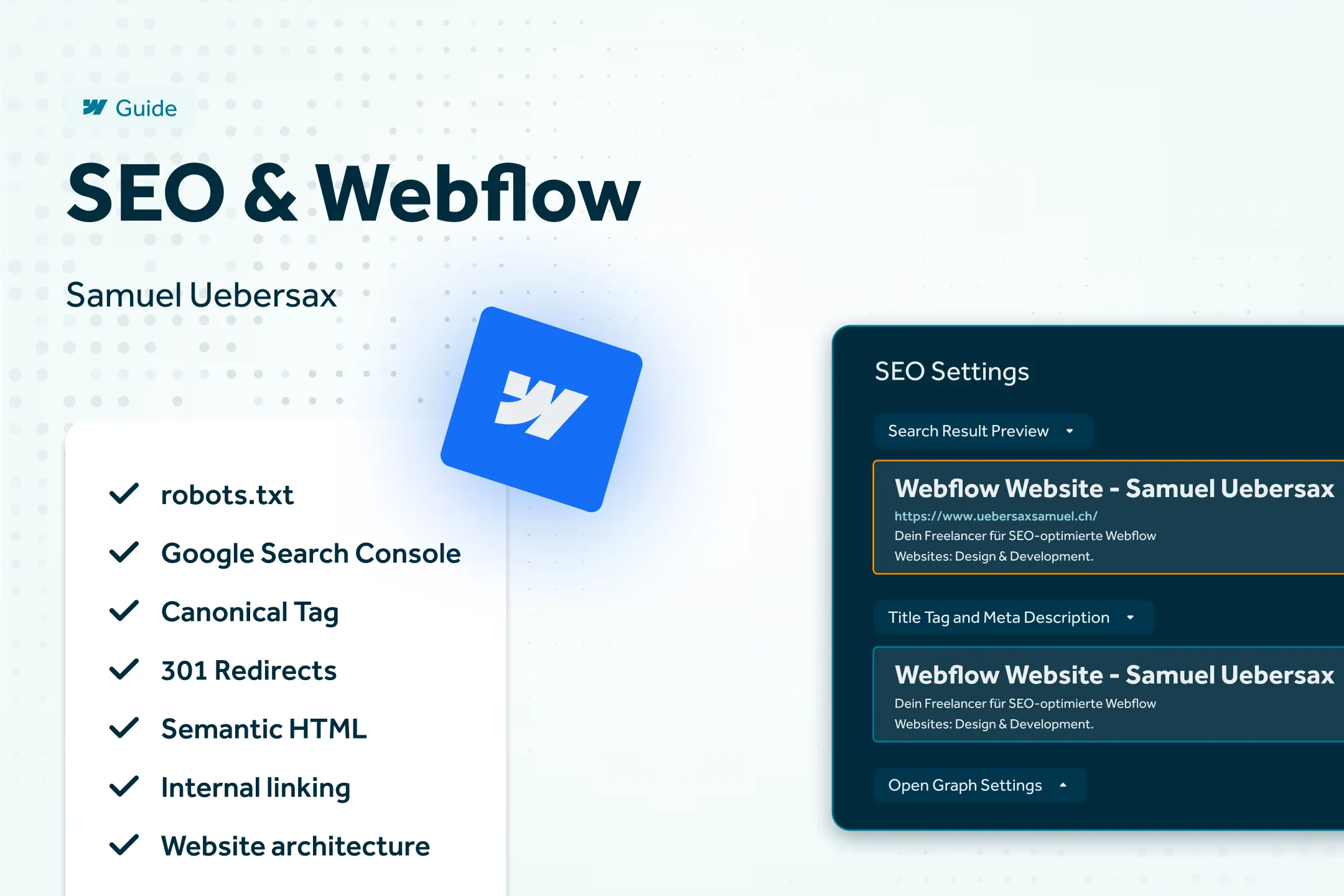
Project Settings – SEO Tab: Define global meta tags here to serve as a fallback if individual pages do not have their own. Set a descriptive default title and a general description.
Sitemap: Webflow automatically generates a sitemap.xml. Ensure it is submitted to Google Search Console. Regularly check that all relevant pages are included and that no unwanted pages (e.g., utility pages) are being indexed.
Canonical Tags: Webflow automatically sets a canonical tag on every page—this is the URL that Google should consider the "original" version of a page. This is especially important if your content is accessible via multiple URLs (e.g., with or without a trailing slash, or via parameters). Without a correct canonical tag, you risk Google classifying your pages as duplicate content and penalizing your ranking. Check the page settings to ensure the canonical tag points to the correct URL—this is crucial for localized websites with multiple language versions.
Robots.txt: You can control which areas search engines are allowed to crawl via the Webflow settings (directly for Enterprise plans, otherwise via custom code). Exclude irrelevant pages such as style guides or password-protected areas.
301 Redirects: One of the most important and frequently overlooked points. If you delete pages, change slugs, or perform a migration, always set up 301 redirects. Otherwise, you will lose established authority and create 404 errors, which harm both search engines and users.
Using Webflow CMS for SEO
The Webflow CMS is a powerful tool for scalable Webflow search engine optimization—if you use it correctly.
Dynamic Meta Tags: Link the meta title and description fields of your collection to the SEO settings of the collection template. This ensures that every blog post, project, or service page has individual, optimized meta data.
Collection Structure: Plan your collections strategically. Each collection should have a clear thematic focus. Avoid packing too many different content types into a single collection, as this makes SEO optimization more difficult.
URL slugs: Webflow automatically generates URL slugs from the item name. Review and optimize these manually: short, keyword-rich slugs without special characters or filler words perform better. Example: /webflow/seo-guide instead of /webflow/the-complete-seo-guide-for-webflow-websites-2026.
SEO is not an add-on – it belongs in the process from day one
The biggest mistake I see time and again in my work as an SEO consultant : SEO is only considered at the end of a project. The website has been designed, developed, and launched – and then someone asks: "Can we do SEO now?"
At this point, it is often too late to fix fundamental issues without rebuilding half the site. The heading hierarchy is incorrect, the site architecture is flat and illogical, classes are named arbitrarily, and there is no plan for internal linking.
Working without a clear framework risks exactly this scenario. Frameworks such as Lumos, Mast or Client-First provide a clean structure for class naming, layout systems, and semantic HTML right from the start. They make it significantly easier to implement SEO requirements from the very beginning.
Without a framework, things quickly become chaotic—and cleaning up an unstructured Webflow site after the fact is extremely time-consuming. In many cases I have seen, a complete rebuild is more worthwhile than trying to fix an existing site. That may sound harsh, but if the foundation isn't right, you are building on sand.
Semantic HTML as an invisible SEO advantage
Clean, semantic HTML is another factor that many Webflow developers neglect. The correct use of HTML5 tags such as <header>, <main>, <section>, <nav> and <footer> helps search engines understand the structure and meaning of your content.
This also includes a correct heading hierarchy (H1–H6), which is chosen based on content structure rather than visual size. I have covered this topic in detail in my article "HTML: The Foundation of a Visible Webflow Website" – take a look if you want to dive deeper.
Optimizing your Webflow website for search engines
SEO in Webflow is not a one-time project, but an ongoing process. The good news is that Webflow provides you with all the tools you need. The challenge lies in using them strategically from the very beginning.
If you are unsure where your website stands, or if you feel that your current setup is not optimal – let's talk about it. In a free initial consultation, I will analyze your Webflow website and show you which levers will have the greatest impact on your visibility.